
WhatsApp chatbot and live chat for business
Answer WhatsApp Business messages in the same inbox as live chat, with the same AI Agent and the same team.
- Text
WhatsApp and live chat in one inbox
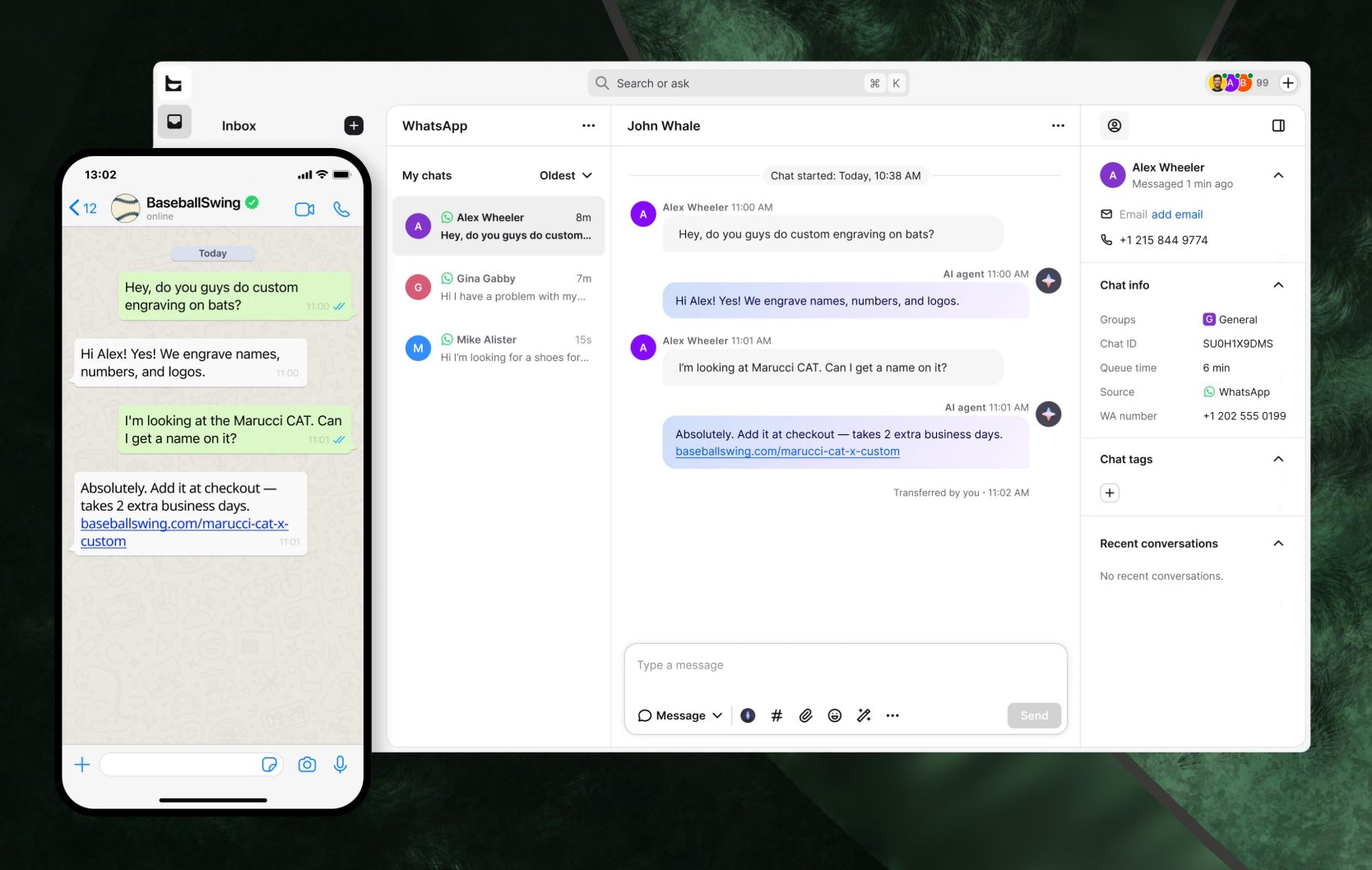
Messages sent to your WhatsApp Business number land in the Text inbox next to your website live chat. The AI Agent can answer them, including after hours. Your team sees the full history and the customer's order details in the same sidebar they use for web chat.
Sell on the channel your customers already use
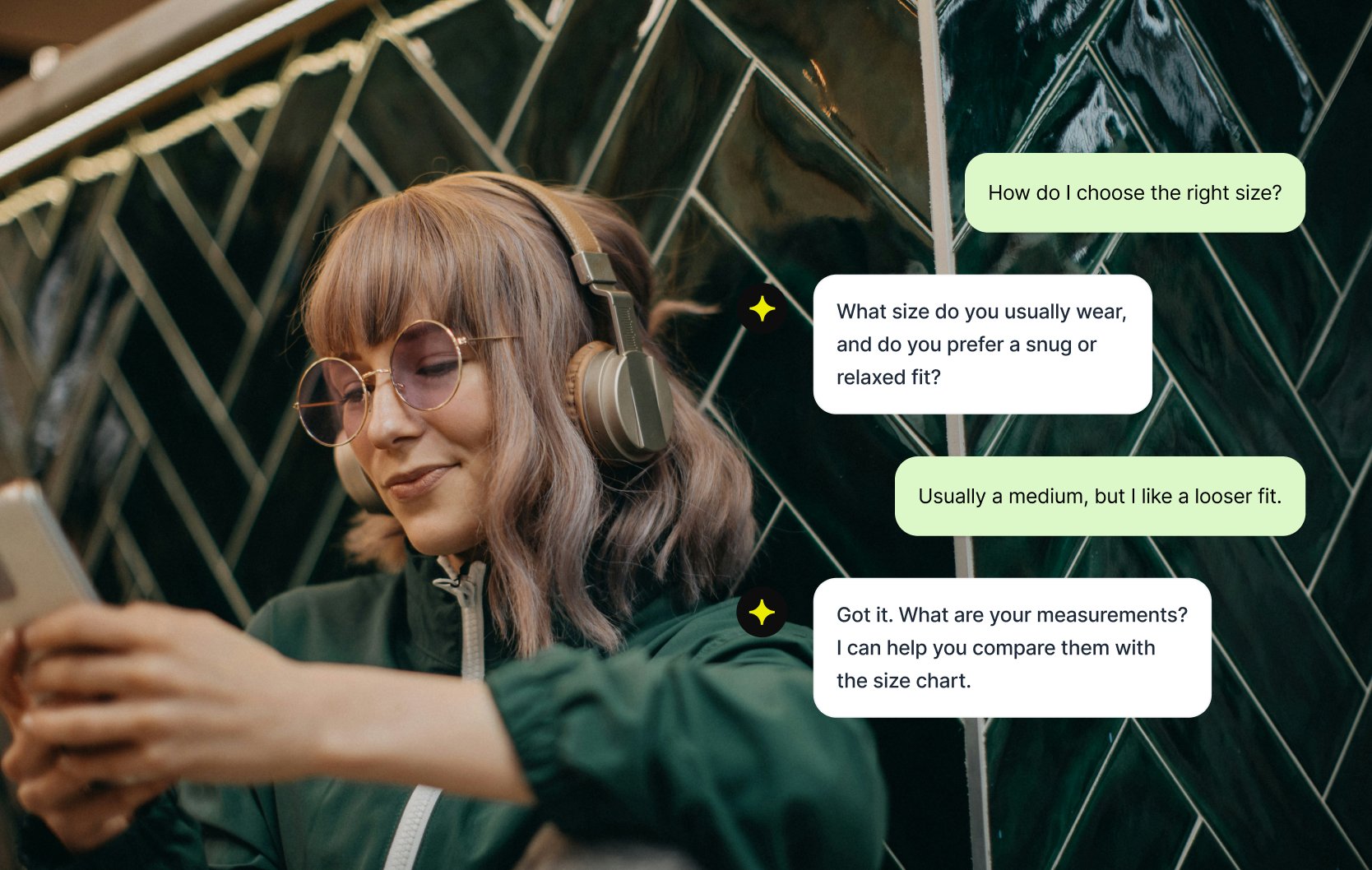
A lot of buying questions never reach your website. A customer messages your number from their phone: is this in stock, can it arrive by Friday? The AI Agent answers in the moment, while the customer still wants to buy.
Make your number easy to reach
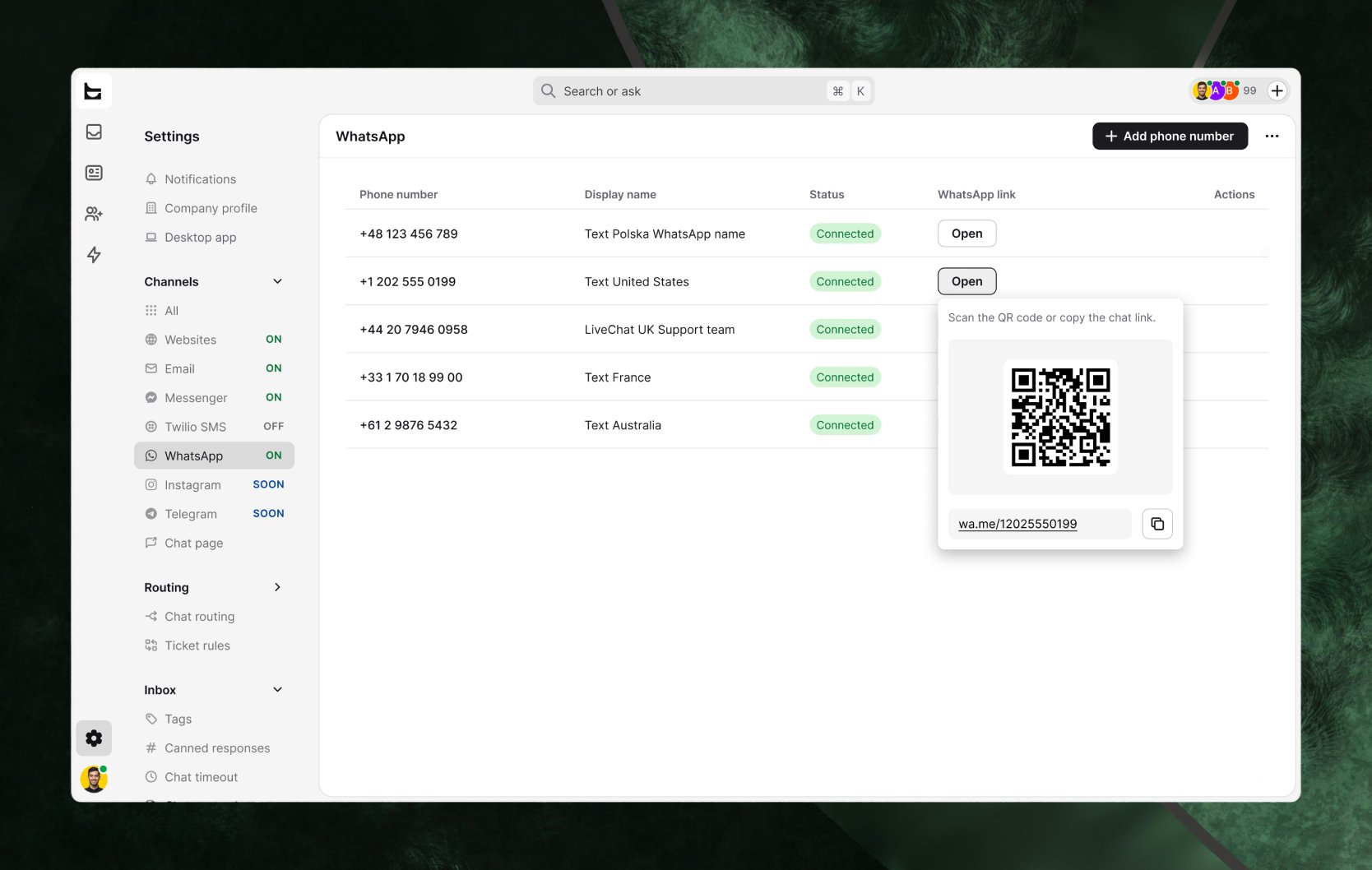
Share a chat link or a QR code on your site, in emails or on packaging. You can connect as many WhatsApp numbers as you need, each one free, for example one per brand or region.
Connect WhatsApp to Text
WhatsApp is already installed on every paid plan and trial. Open Settings > WhatsApp and follow Meta's setup with your Facebook account, Meta Business Portfolio and WhatsApp Business number. If the number is already in the WhatsApp app, delete it there first. To choose a plan, compare Text plans.
Key features
Benefits
App terms
Legal Terms
By installing this app, you agree to the Marketplace Terms and App Privacy Policy.
Support
Need a hand?
Get help with this integration from Text.
Frequently asked questions
Can the AI Agent answer WhatsApp messages?
Yes. It handles WhatsApp chats the same way it handles web chat, and you can bring in your team when a customer needs a person.
Can I move my WhatsApp number from another provider?
Yes. Turn off two-factor authentication on the number in WhatsApp Manager first, then connect it in Text. Once connected, the number works through Text, so you can't also send from it through the Meta API.
Does WhatsApp cost extra in Text?
No. WhatsApp is installed on every paid plan and trial, and each number you connect is free.
Can I message customers at any time?
You can send free-form replies within 24 hours of the customer's last message, as WhatsApp requires.